Back to guides
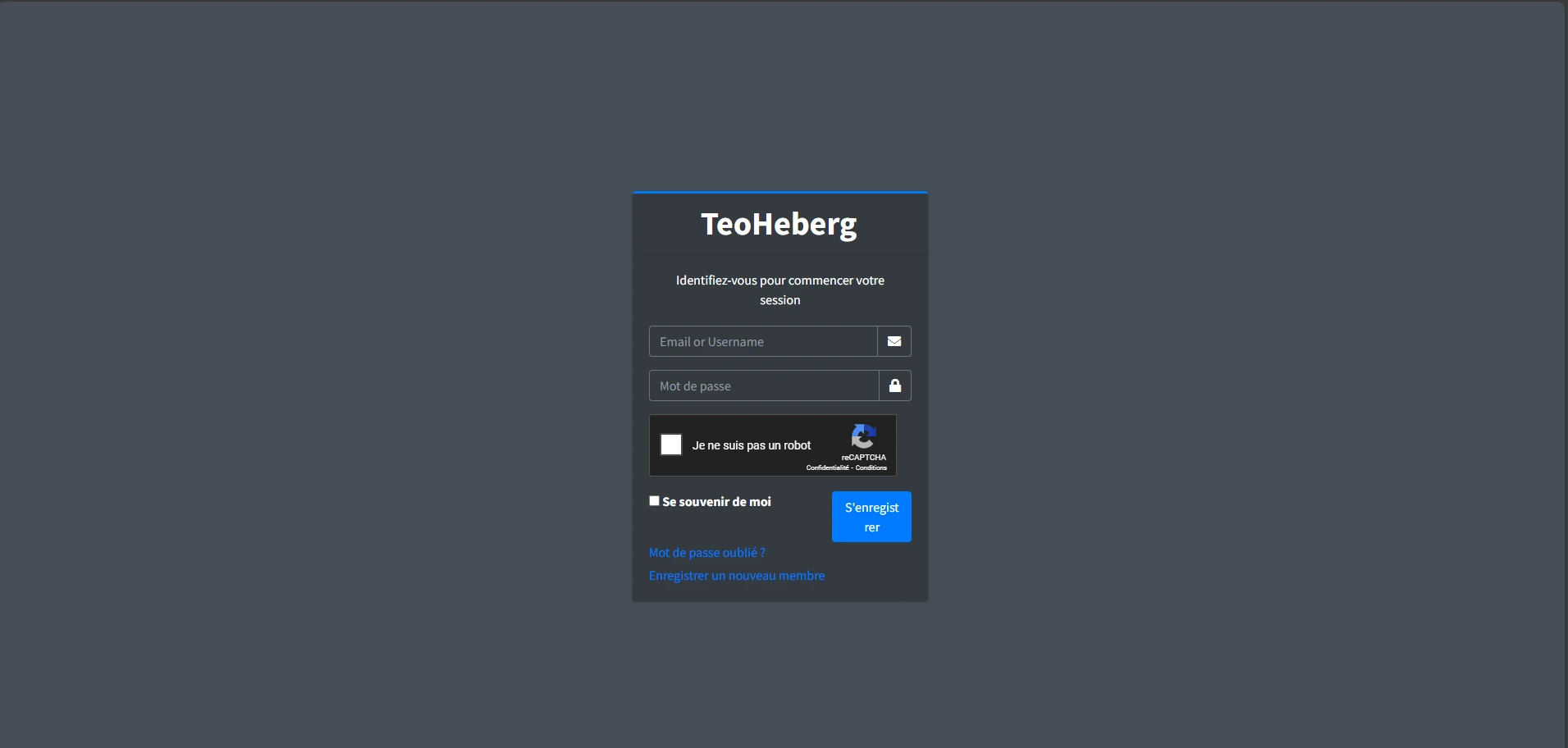

1 Log in to the client area
Go to the TeoHeberg manager and log in with your credentials. If you don't have an account yet, you can sign up for free.
2 Create the server
Click on 'Create Server', choose Node.js or Python depending on your project, and configure your options (RAM, storage, etc.).
3 Start the server
Validate the creation and then click 'Manage' to access the management panel for your bot. Your server is now ready to be configured!
💡 Tip: After creating your server, check out our guide on how to upload your files and how to configure startup.