Back to guides
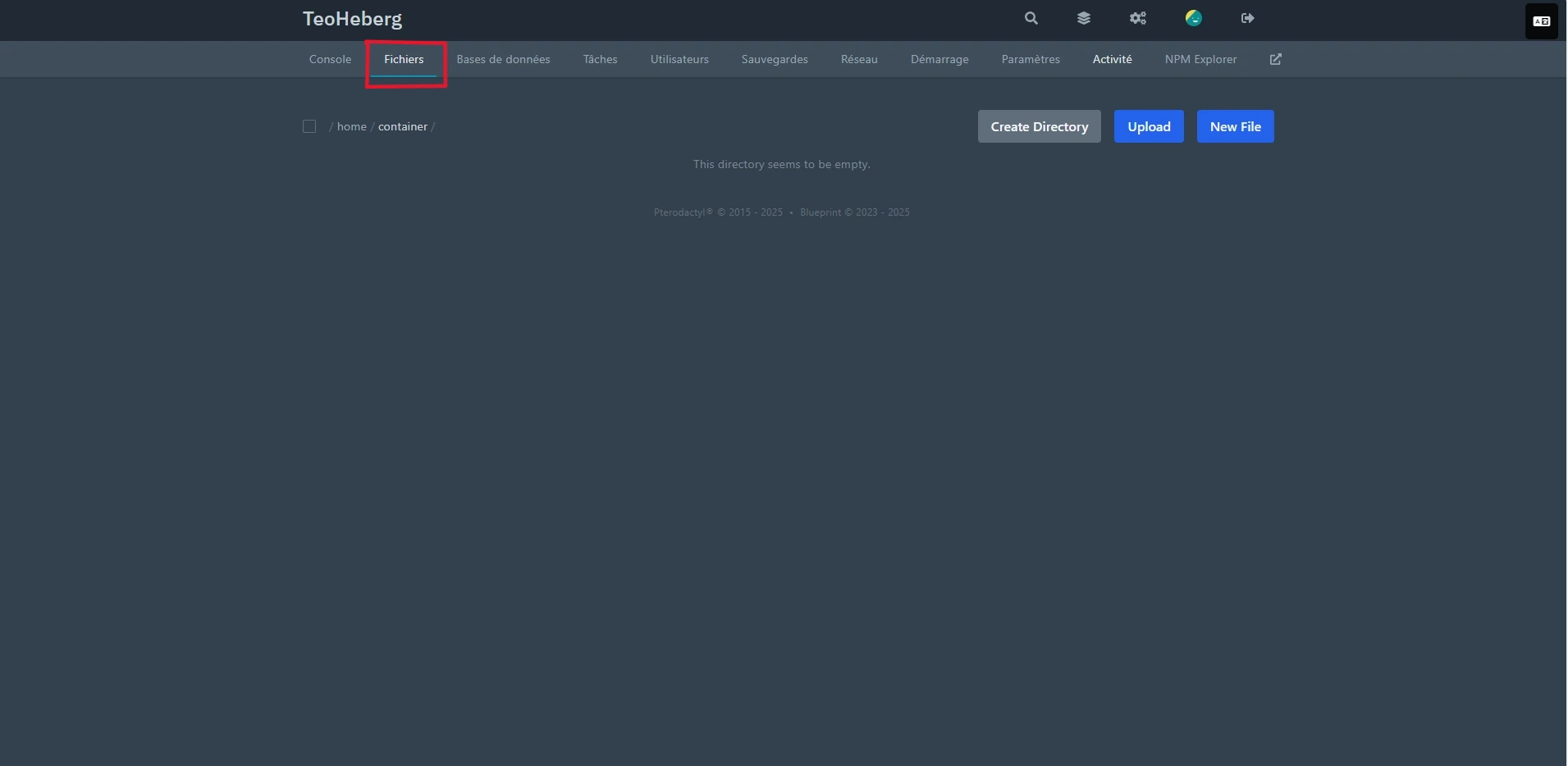
1 Open the file manager
From the Pterodactyl panel, select your server and click on "Files" in the sidebar.
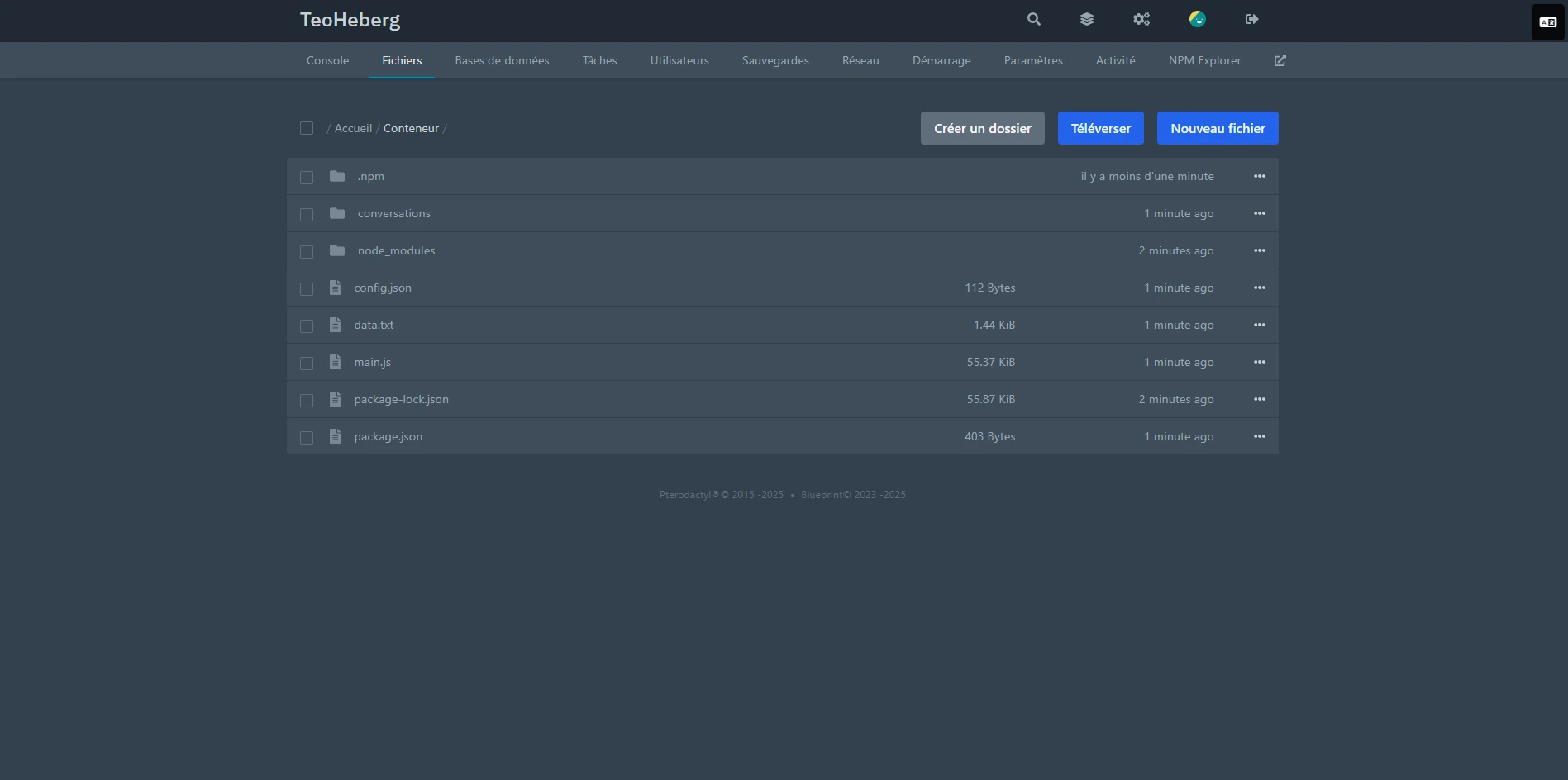
2 Upload your files
Drag and drop your files directly into the file manager or use the "Upload" button at the top of the page. You can also use SFTP (only for the Standard range) with the information available in the "Settings" tab.
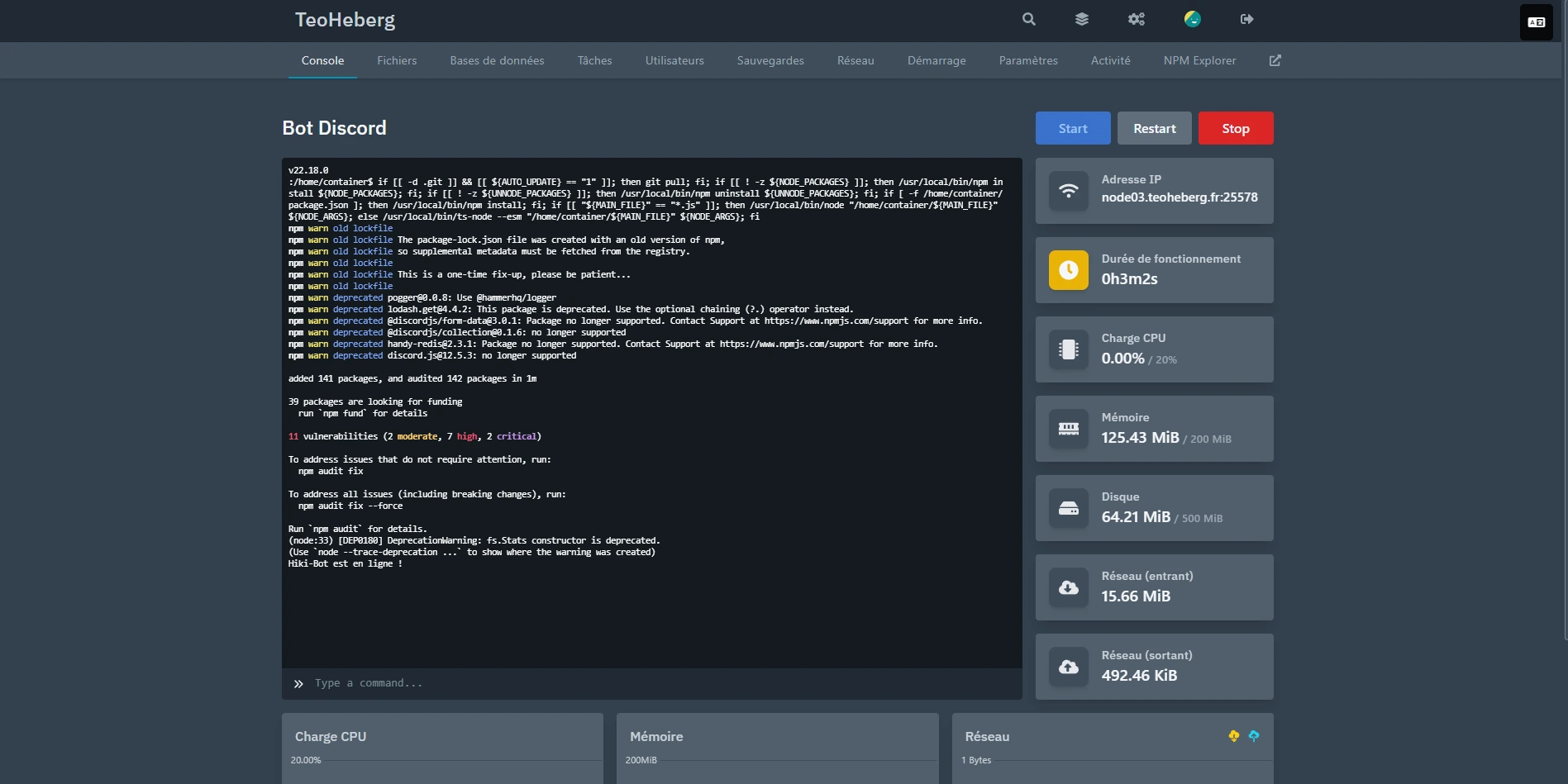
3 Start the server
Once your files are uploaded, start the server by clicking the "Start" button in the console. Your bot should now be online!
💡 Tip: Make sure you have correctly configured your startup file in the "Startup" tab before launching the server. Check out our startup configuration guide.