Back to guides
1 Access the panel
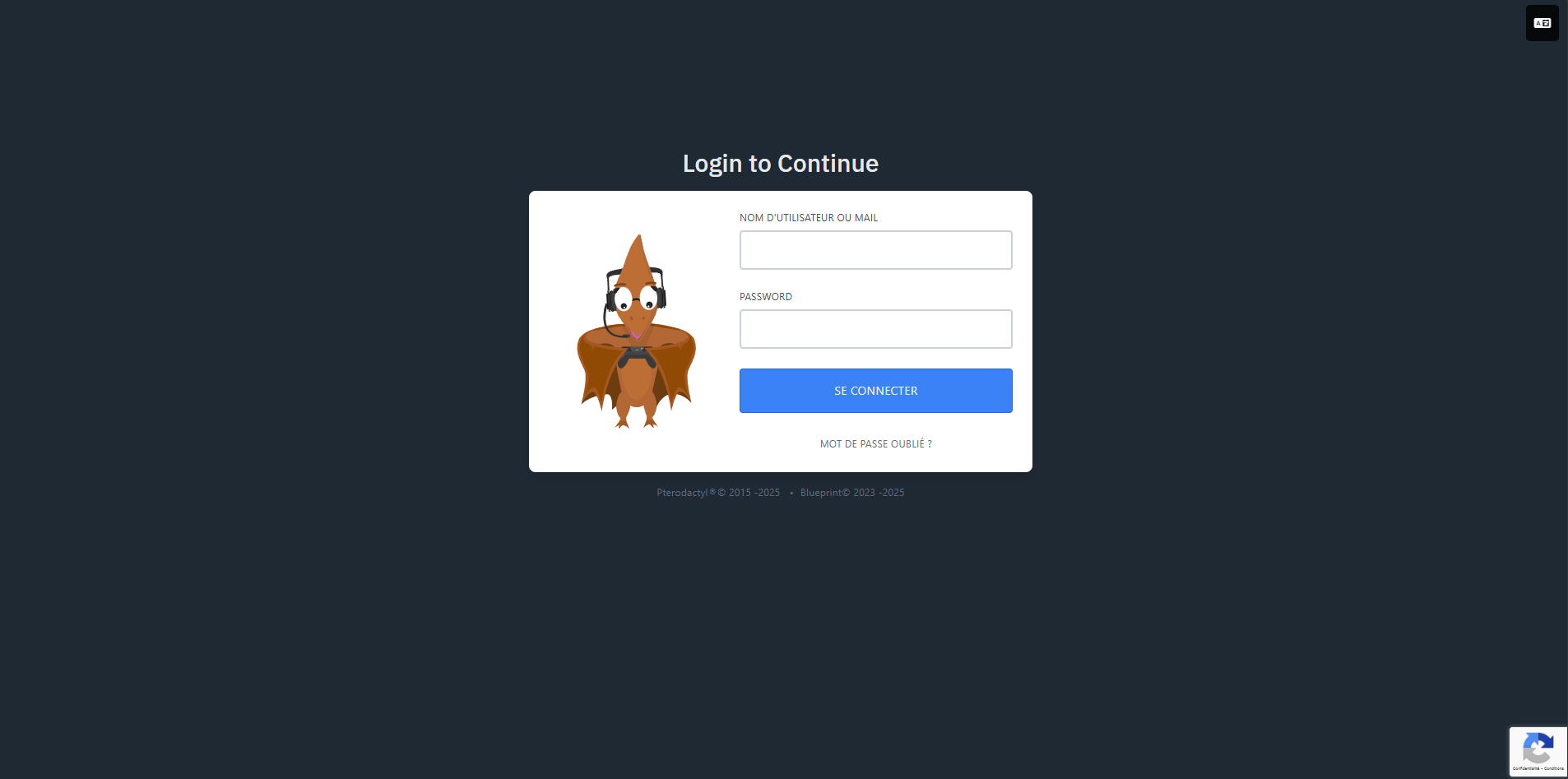
Go to the TeoHeberg Pterodactyl panel to manage your servers. The panel is the main interface for controlling your hosting.
2 Log in
Enter your credentials. Your email and password are the same as those you use on the TeoHeberg manager.
3 Navigation
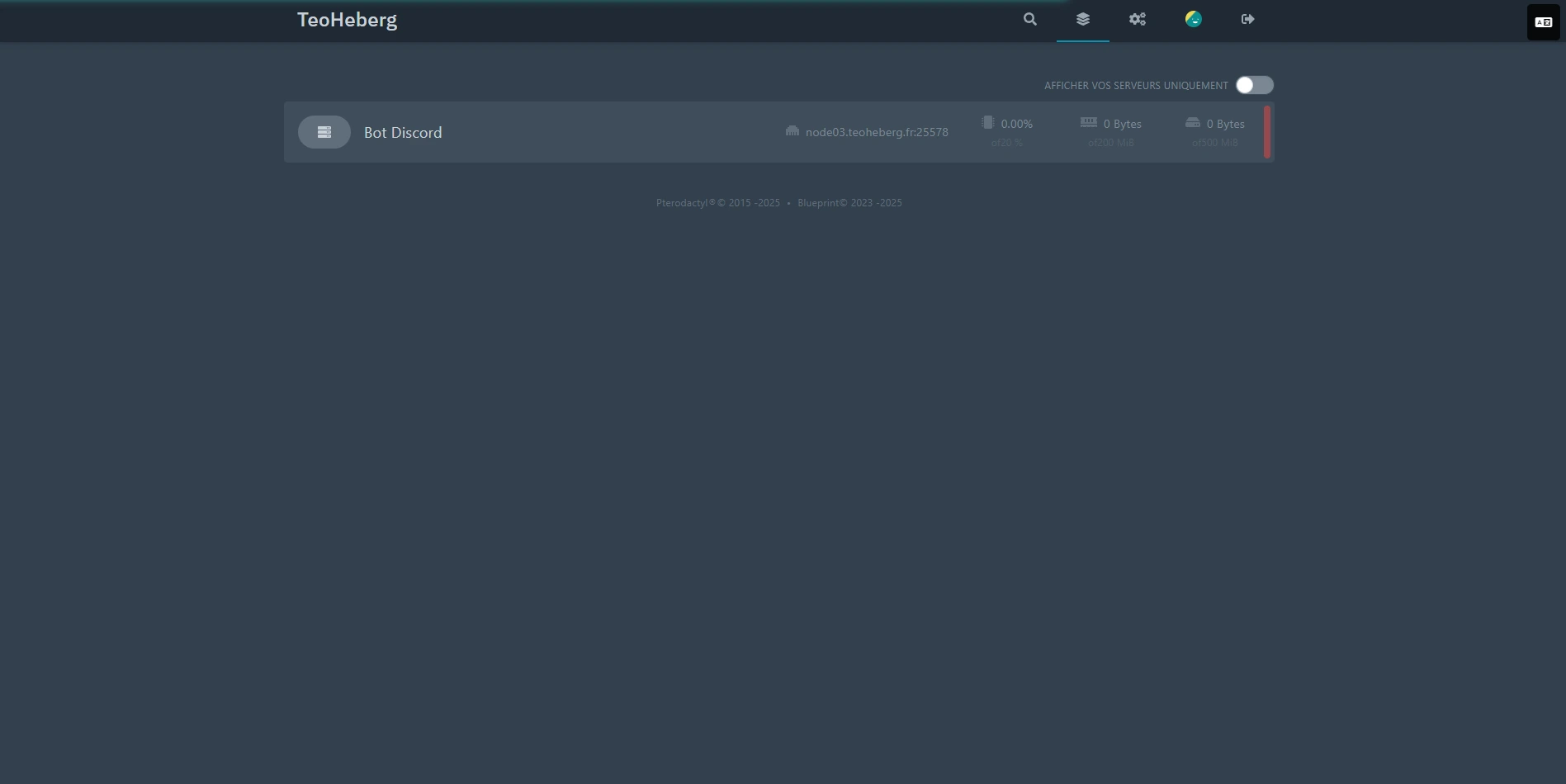
Once logged in, access the different sections to view and modify your server settings: console, files, databases, and more.
💡 Tip: The Pterodactyl panel offers an intuitive interface to manage your server. Feel free to explore the different available sections.